The app and installation instructions are available in your account. Choose your device there.
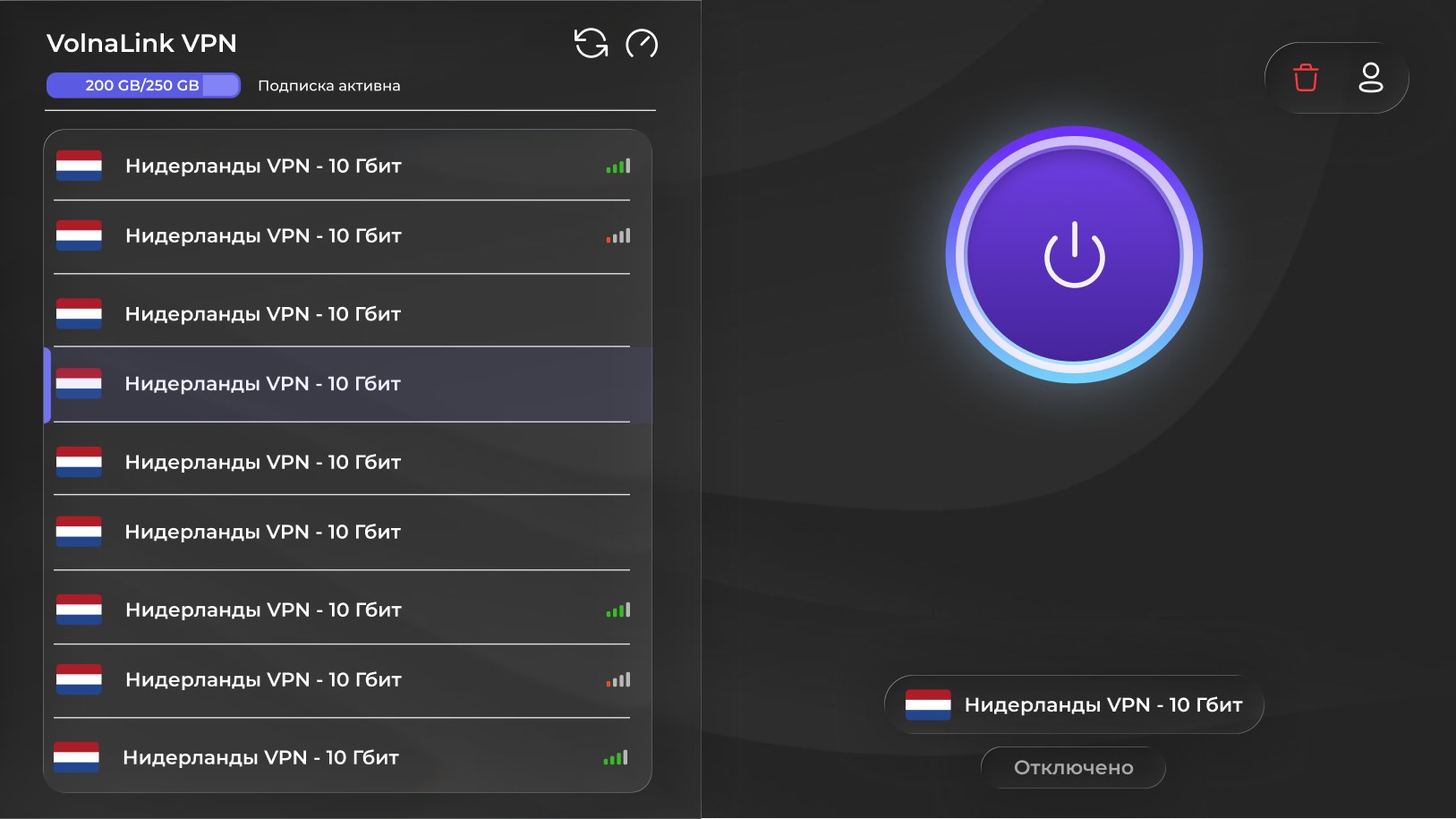
The Nuvo app for Android TV and Google TV brings the VPN straight to your TV. Easy remote navigation, fast servers and stable speed for 4K streaming.
Sign in or create an account in your personal cabinet and choose your device there.
The app and install instructions are in your personal cabinet. Follow the method shown there for your device.
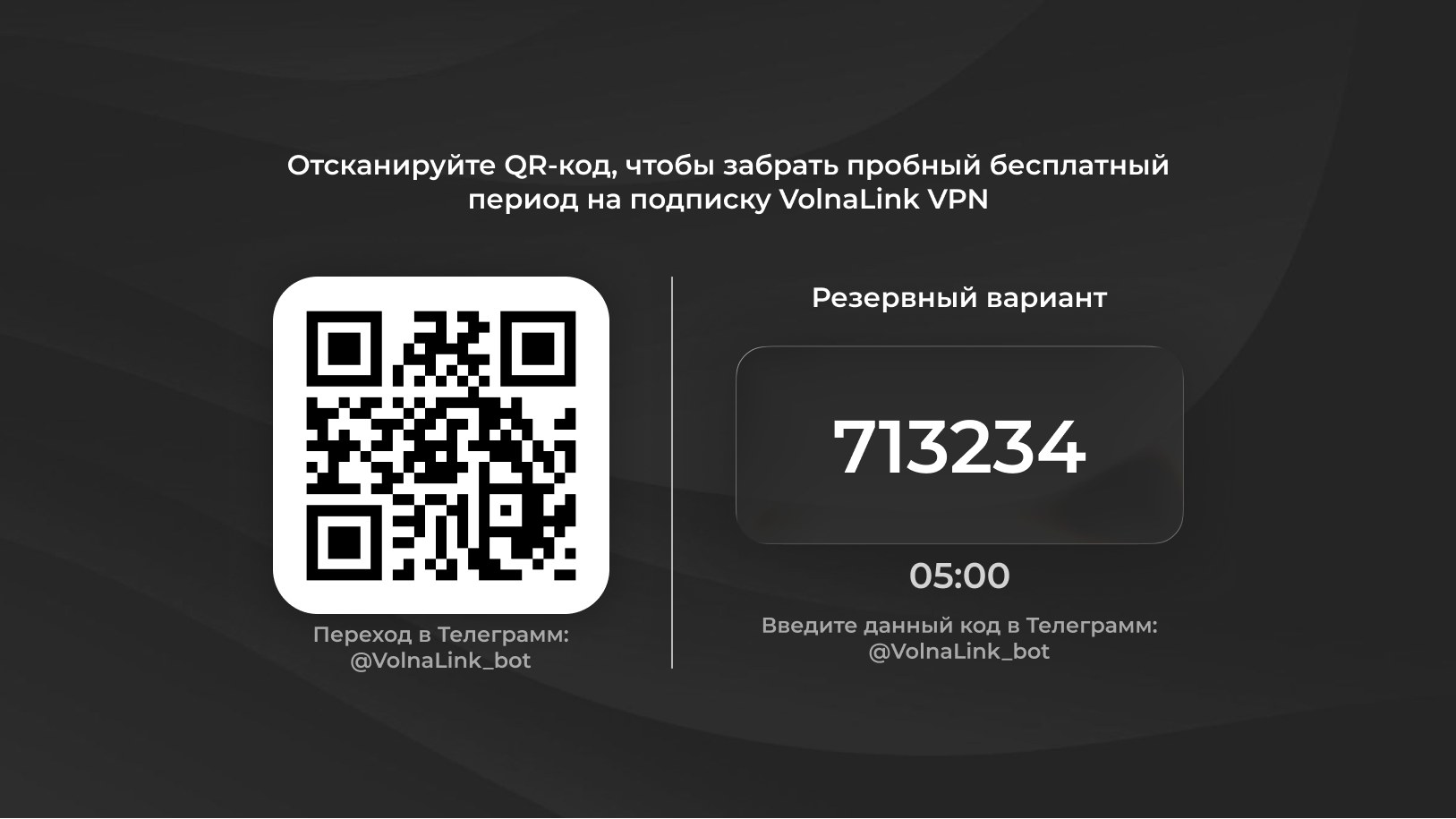
The first 8 hours are free with no card required. See the trial terms and how to add access in your personal cabinet.
Open the app, choose a country and connect. The system may ask to allow a VPN connection on first launch.
The app and installation instructions are available in your account. Choose your device there.
In the cabinet choose Android TV or Google TV and see the install method offered for the TV. Do not install a phone installer file on the TV.
Installation is done on the TV itself in the way the cabinet shows.
Typing with a remote is awkward, so prepare your login and key on another device beforehand to enter them without mistakes.
Use the arrows to pick a country and OK to confirm. The system VPN request is also confirmed with OK.
When the TV wakes from standby the connection may not resume by itself. Open the app, check the status and reconnect if needed.
The first 8 hours are free with no card required; see the trial terms in your personal cabinet. After that the app works on a subscription that covers every country and platform.
The app works with VLESS Reality, Trojan and Hysteria 2 and picks the protocol automatically; if your app version offers a protocol choice, it is in the app settings. WireGuard and OpenVPN belong to manual setups such as a router, where available in your cabinet.
Yes, up to three simultaneous connections per account. Router connections are counted by the rules shown in your cabinet.
Open your personal cabinet, choose your device, follow the install method shown there, add access and connect.
 Nuvo
Nuvo