
The app and installation instructions are available in your account. Choose your device there.
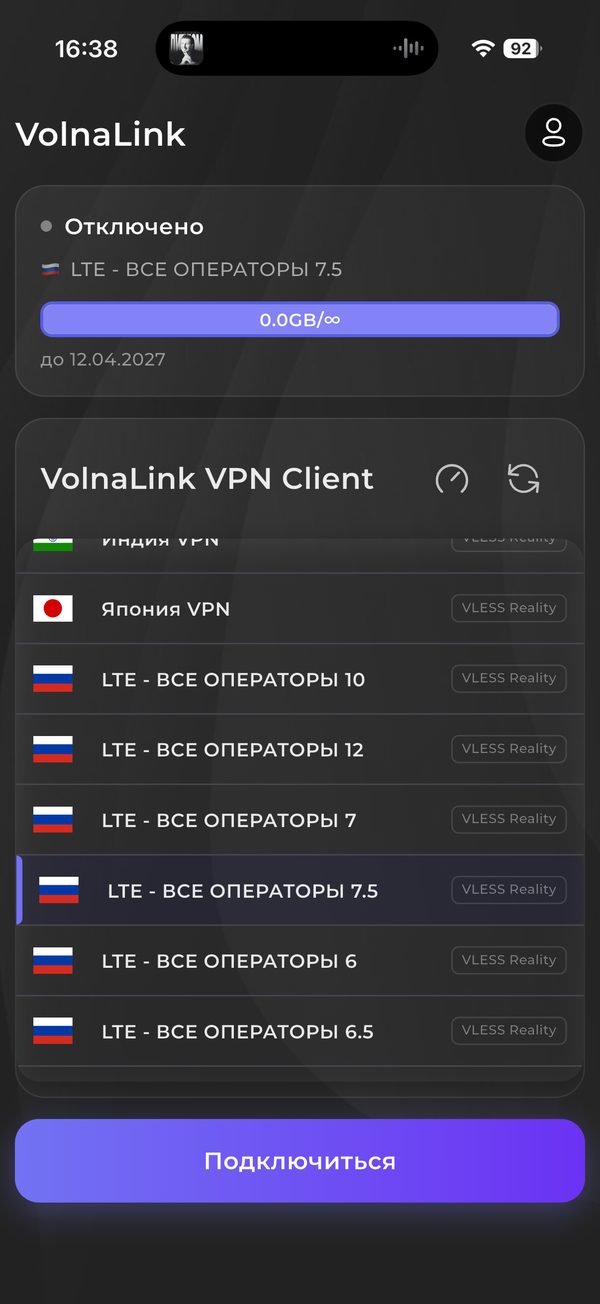
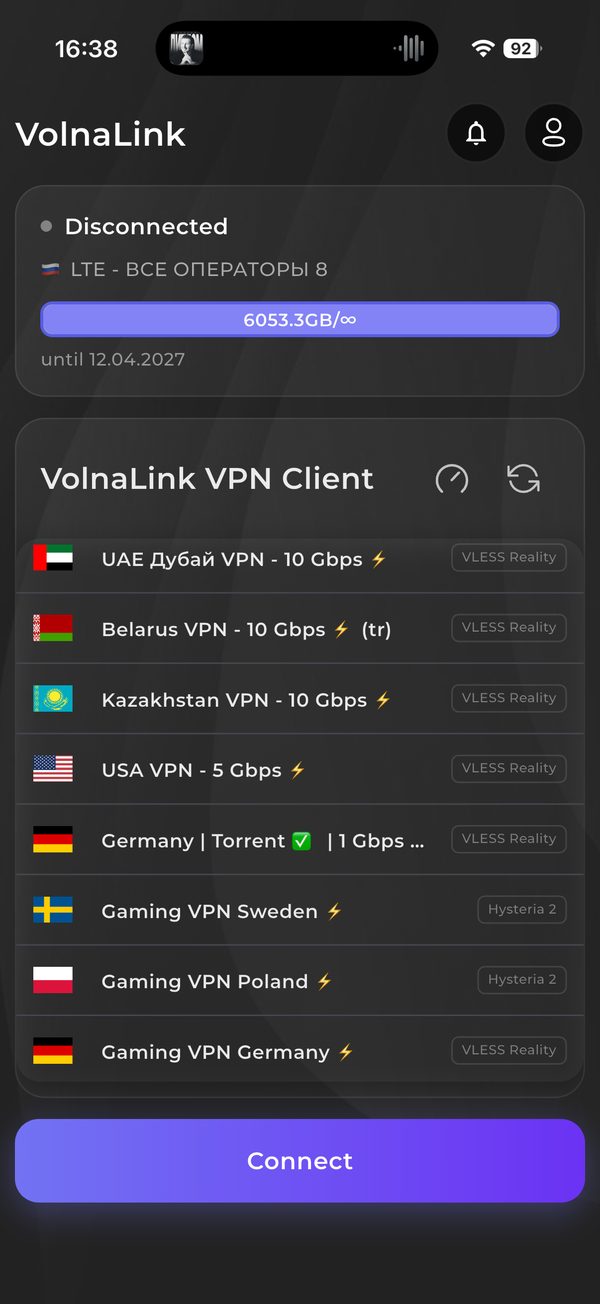
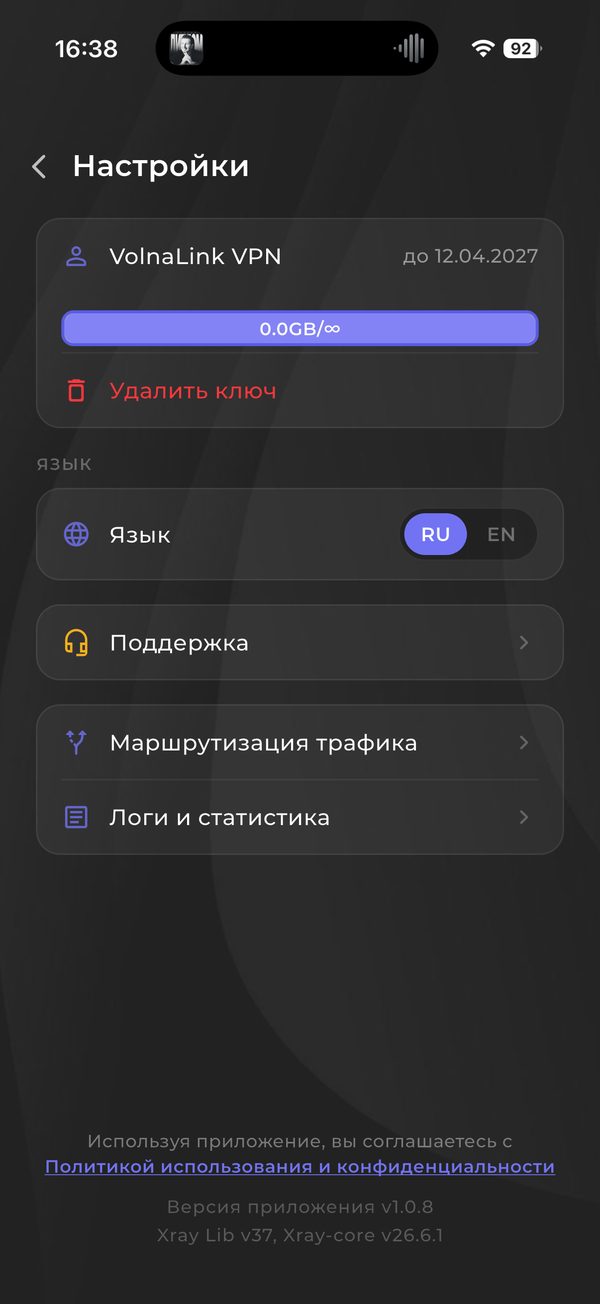
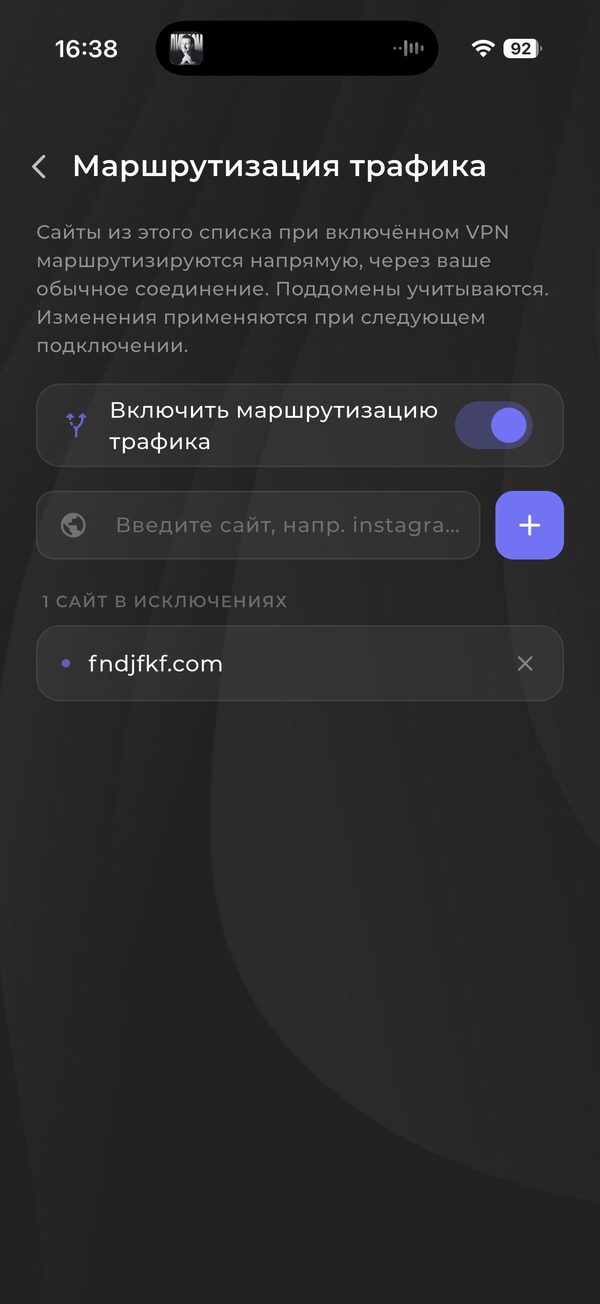
For platforms without a dedicated app, Nuvo supports manual setup via OpenVPN and WireGuard. Get a configuration in your personal cabinet and connect on any device that supports these protocols.
Sign in or create an account in your personal cabinet and choose your device there.
The app and install instructions are in your personal cabinet. Follow the method shown there for your device.
The first 8 hours are free with no card required. See the trial terms and how to add access in your personal cabinet.
Open the app, choose a country and connect. The system may ask to allow a VPN connection on first launch.
The app and installation instructions are available in your account. Choose your device there.
Manual setup suits devices with their own VPN client or a third-party app that supports the needed configuration type, such as WireGuard or OpenVPN.
In your personal cabinet choose manual setup and get a configuration if one is available for your device.
In the device or router client import the configuration file or enter the parameters manually.
Turn the profile on and check the public IP from the device.
The app works with VLESS Reality, Trojan and Hysteria 2, while WireGuard and OpenVPN belong to manual configurations. The cabinet shows which are available for your device. If no manual configuration exists for it, use the app on a phone or computer.
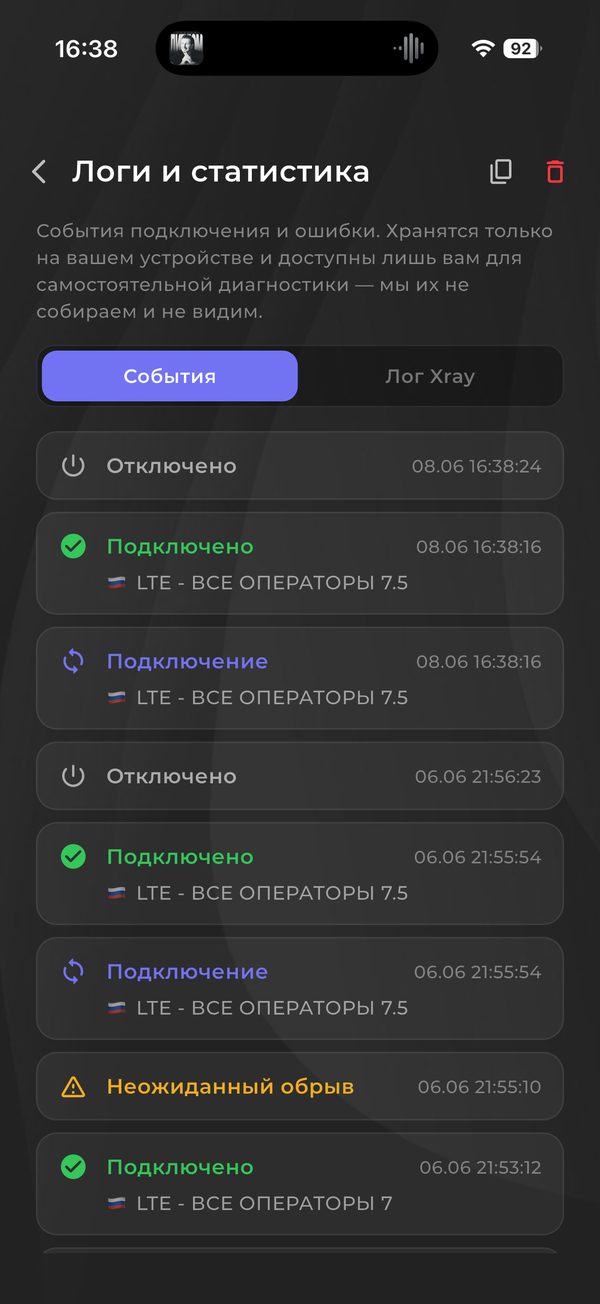
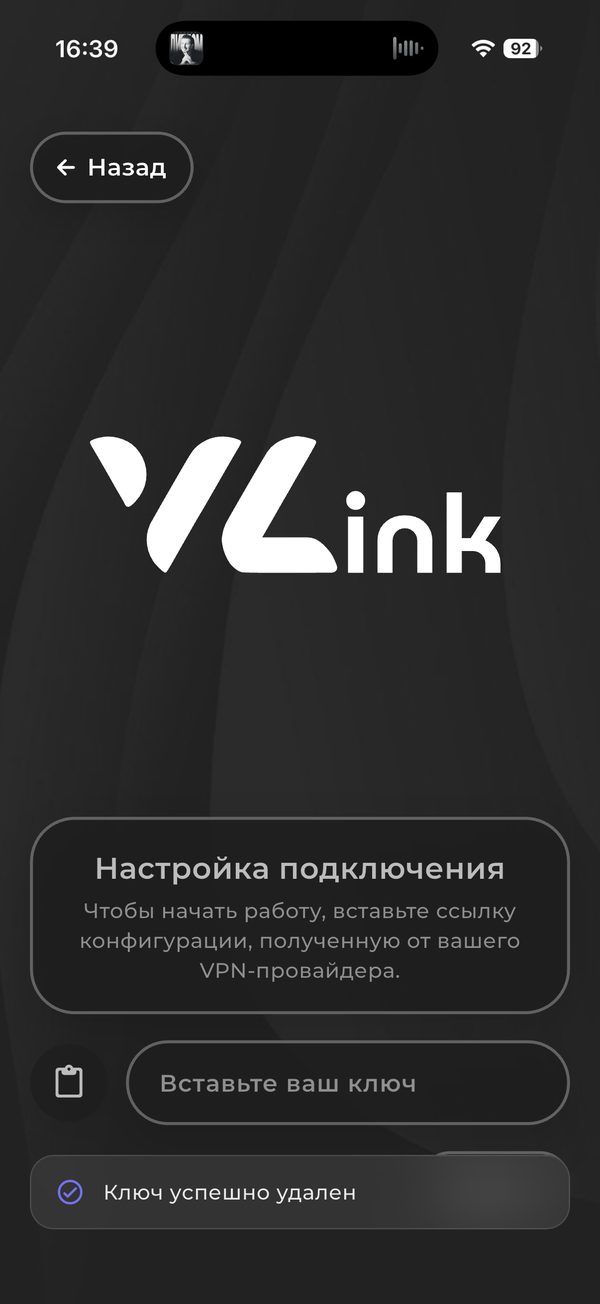
The screenshots above show a regular mobile app install. For manual setup follow your own client interface.
The first 8 hours are free with no card required; see the trial terms in your personal cabinet. After that the app works on a subscription that covers every country and platform.
The app works with VLESS Reality, Trojan and Hysteria 2 and picks the protocol automatically; if your app version offers a protocol choice, it is in the app settings. WireGuard and OpenVPN belong to manual setups such as a router, where available in your cabinet.
Yes, up to three simultaneous connections per account. Router connections are counted by the rules shown in your cabinet.
Open your personal cabinet, choose your device, follow the install method shown there, add access and connect.
 Nuvo
Nuvo