
The app and installation instructions are available in your account. Choose your device there.
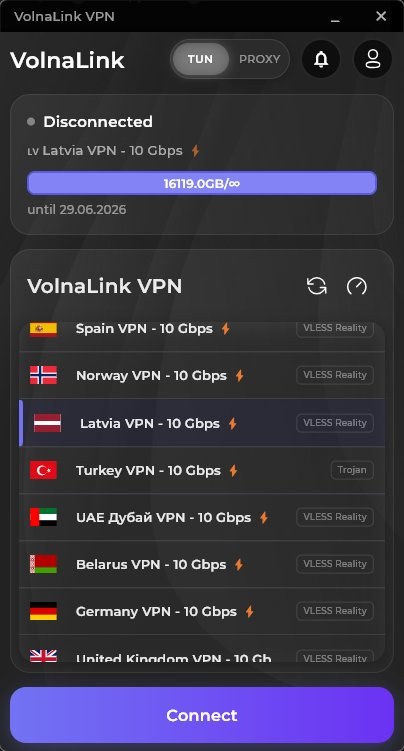
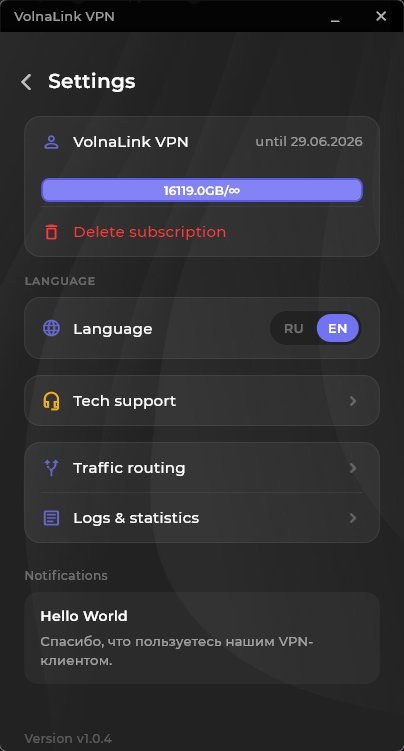
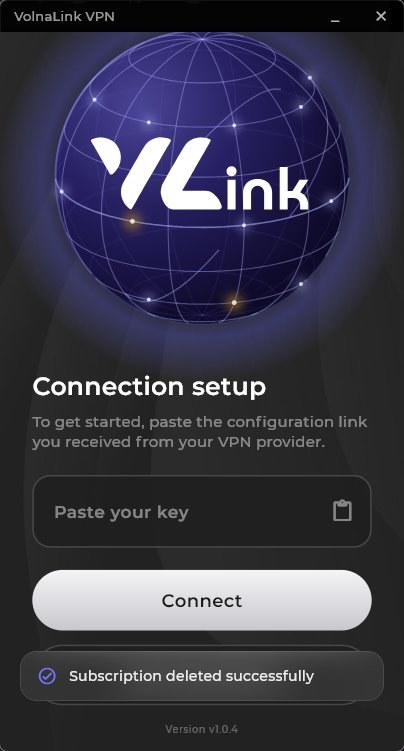
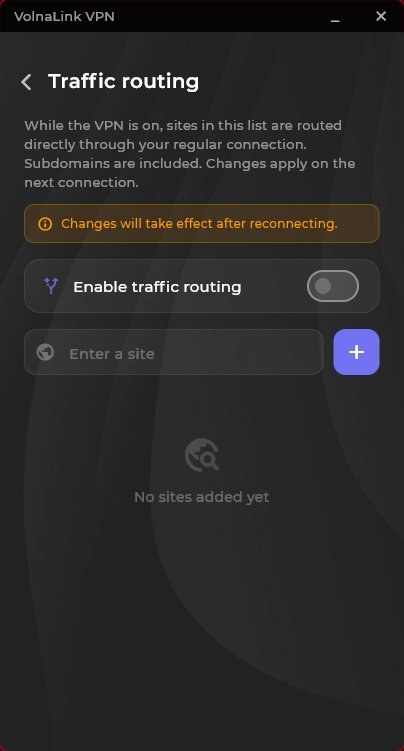
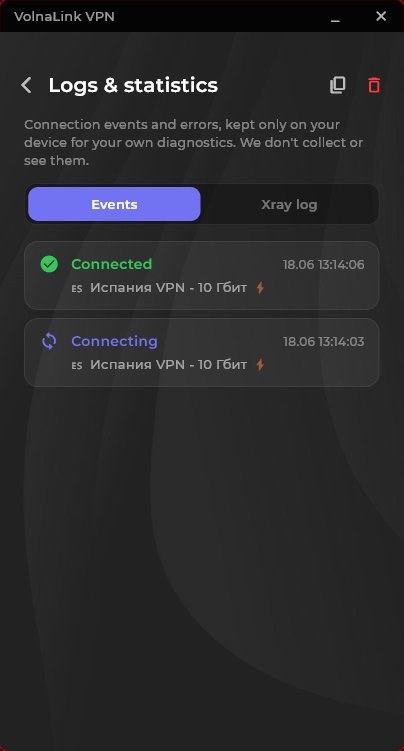
The Nuvo app for Windows is a fast and secure VPN client with modern VLESS Reality, Trojan and Hysteria 2 protocols. 90+ locations worldwide, DNS-leak protection, a kill-switch and high speed for streaming, calls and gaming.
Sign in or create an account in your personal cabinet and choose your device there.
The app and install instructions are in your personal cabinet. Follow the method shown there for your device.
The first 8 hours are free with no card required. See the trial terms and how to add access in your personal cabinet.
Open the app, choose a country and connect. The system may ask to allow a VPN connection on first launch.
The app and installation instructions are available in your account. Choose your device there.
Sign in and choose Windows. The installer and install steps are shown there; no files are served from this page.
Run the installer from the cabinet. Windows may show a User Account Control prompt and a SmartScreen warning: confirm them only for a file you got from the cabinet.
On first launch sign in and add your subscription or key as described in the cabinet. Button names depend on the app version.
Pick a country and press connect. A running app and an established connection are different states: rely on the connection status inside the app.
If your client version has TUN and PROXY modes, they differ in coverage. TUN creates a virtual network adapter and routes most programs through the VPN, usually requiring administrator rights. PROXY routes only what uses the system or specified proxy, such as a browser; other programs may connect directly. Do not assume the whole computer is routed if the selected mode works differently.
Compare your public IP before and after connecting on the What is my IP page. If different programs behave differently, check the selected mode.
The first 8 hours are free with no card required; see the trial terms in your personal cabinet. After that the app works on a subscription that covers every country and platform.
The app works with VLESS Reality, Trojan and Hysteria 2 and picks the protocol automatically; if your app version offers a protocol choice, it is in the app settings. WireGuard and OpenVPN belong to manual setups such as a router, where available in your cabinet.
Yes, up to three simultaneous connections per account. Router connections are counted by the rules shown in your cabinet.
Open your personal cabinet, choose your device, follow the install method shown there, add access and connect.
 Nuvo
Nuvo