
The app and installation instructions are available in your account. Choose your device there.
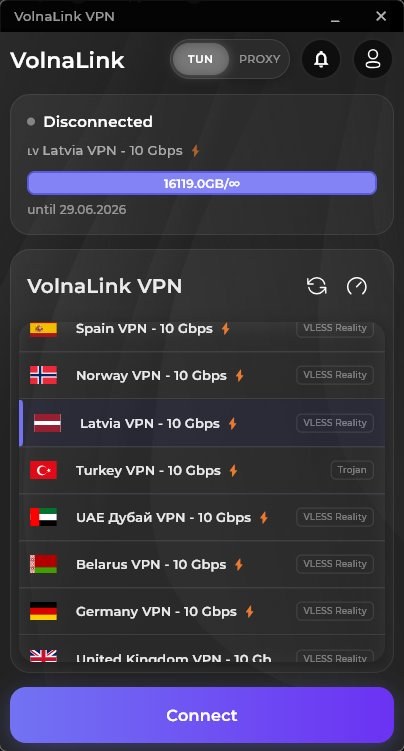
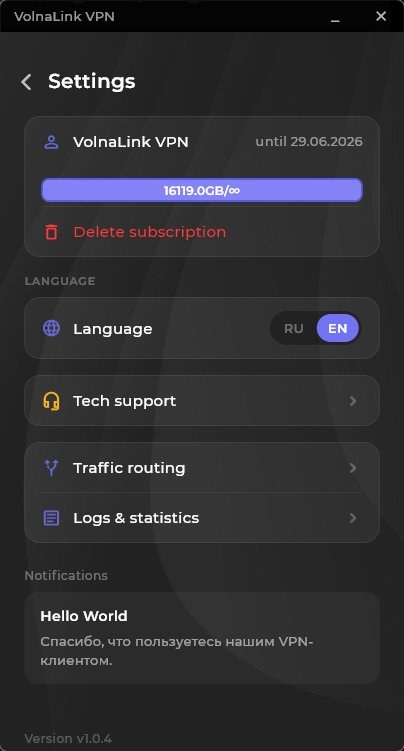
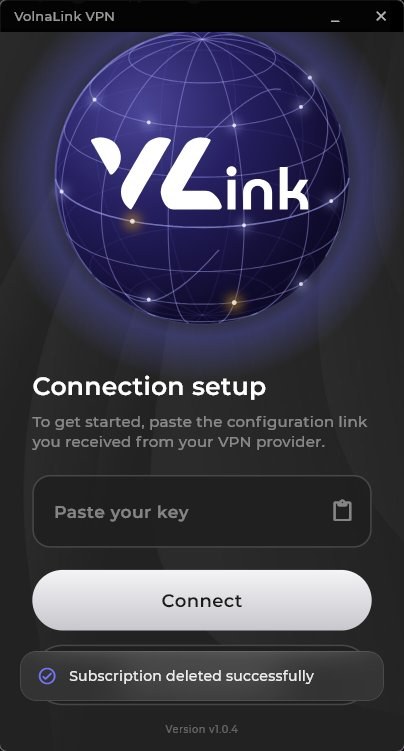
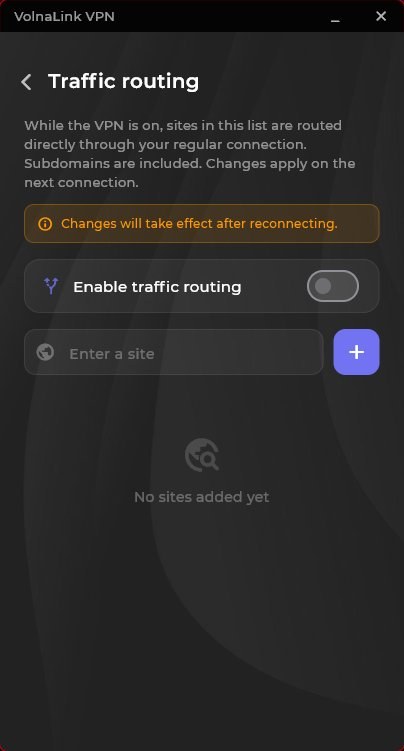
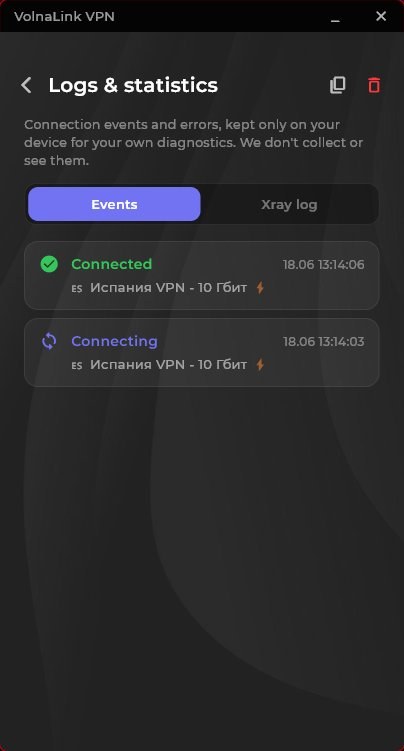
Nuvo for Linux is a client with command-line and graphical interface support for major distributions. Modern protocols, DNS-leak protection and high connection speed.
Sign in or create an account in your personal cabinet and choose your device there.
The app and install instructions are in your personal cabinet. Follow the method shown there for your device.
The first 8 hours are free with no card required. See the trial terms and how to add access in your personal cabinet.
Open the app, choose a country and connect. The system may ask to allow a VPN connection on first launch.
The app and installation instructions are available in your account. Choose your device there.
Choose Linux in the cabinet. It shows the install method for your distribution and architecture: a graphical client or command line, whichever is offered for your system.
Use the commands, paths and file names from the cabinet: they match the current package. We do not duplicate them here so they do not drift from the build. Install any listed dependencies with your distribution tools.
Creating a network interface usually needs administrator rights: the system will ask via sudo or a graphical prompt. Grant them only to the package from the cabinet.
Add your subscription or key per the cabinet instructions, choose a country and connect via the graphical interface or the client command, depending on how it was installed.
If the graphical client looks like the Windows one, that is fine: one client can share an interface. What differs is what surrounds it: package install, permissions and launch.
Check that the client runs with the required rights and compare your public IP before and after connecting.
The first 8 hours are free with no card required; see the trial terms in your personal cabinet. After that the app works on a subscription that covers every country and platform.
The app works with VLESS Reality, Trojan and Hysteria 2 and picks the protocol automatically; if your app version offers a protocol choice, it is in the app settings. WireGuard and OpenVPN belong to manual setups such as a router, where available in your cabinet.
Yes, up to three simultaneous connections per account. Router connections are counted by the rules shown in your cabinet.
Open your personal cabinet, choose your device, follow the install method shown there, add access and connect.
 Nuvo
Nuvo